How to Watch F1 The Movie in the UK

F1 The Movie is available to stream on Apple TV in the UK. You need an active Apple TV subscription; availability and pricing can change, so check the provider before you watch.

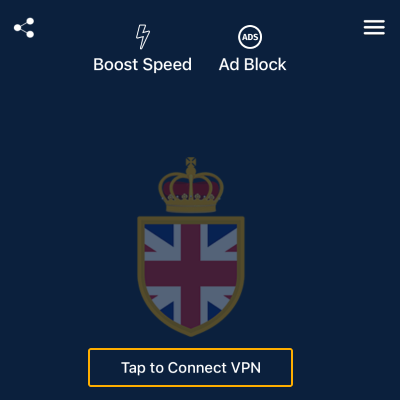
VPN UK can encrypt your connection while you stream, especially on public Wi-Fi. It does not include an Apple TV subscription or replace the streaming service.

Stream F1 The Movie with Greater Privacy

Official UK Streaming

Watch through the official Apple TV service in the UK. A valid subscription is required.

Connection Privacy

Encrypt your internet traffic and mask your IP address while streaming on supported devices.

Simple Device Setup

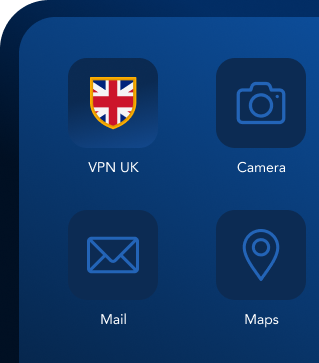
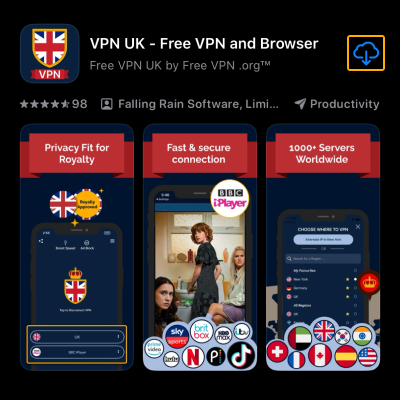
Download VPN UK for iPhone, Android or Mac, choose a server and connect in one tap.

How to Watch F1 The Movie in Three Steps

Step 1 - Download VPN UK

1. Get VPN UK

Download the app on iOS, Mac, or Android in seconds.

Step 2 - Connect to VPN UK

2. Connect

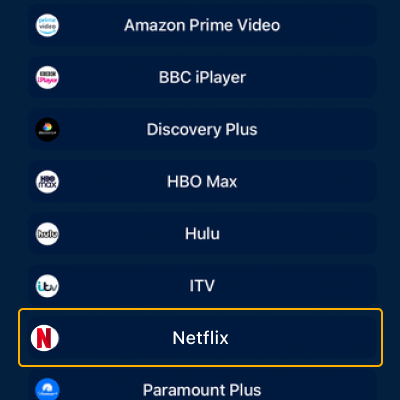
Choose an available VPN region and connect before opening the streaming service.

Step 3 - Start streaming

3. Stream

Open Apple TV, sign in with an active subscription and select F1 The Movie.

Frequently Asked Questions

Yes. F1 The Movie is available on Apple TV in the UK and requires an active subscription. VPN UK does not include or replace that subscription.

Any VPN can add some connection overhead. Your result depends on your internet connection, selected server and streaming provider.

Yes. Browse our VPN service guides for supported streaming, social, gaming and productivity services.